Graveyard Orbit PC System Requirements
Minimum and recommended specs for campaign wrecks and Overtime Mode.
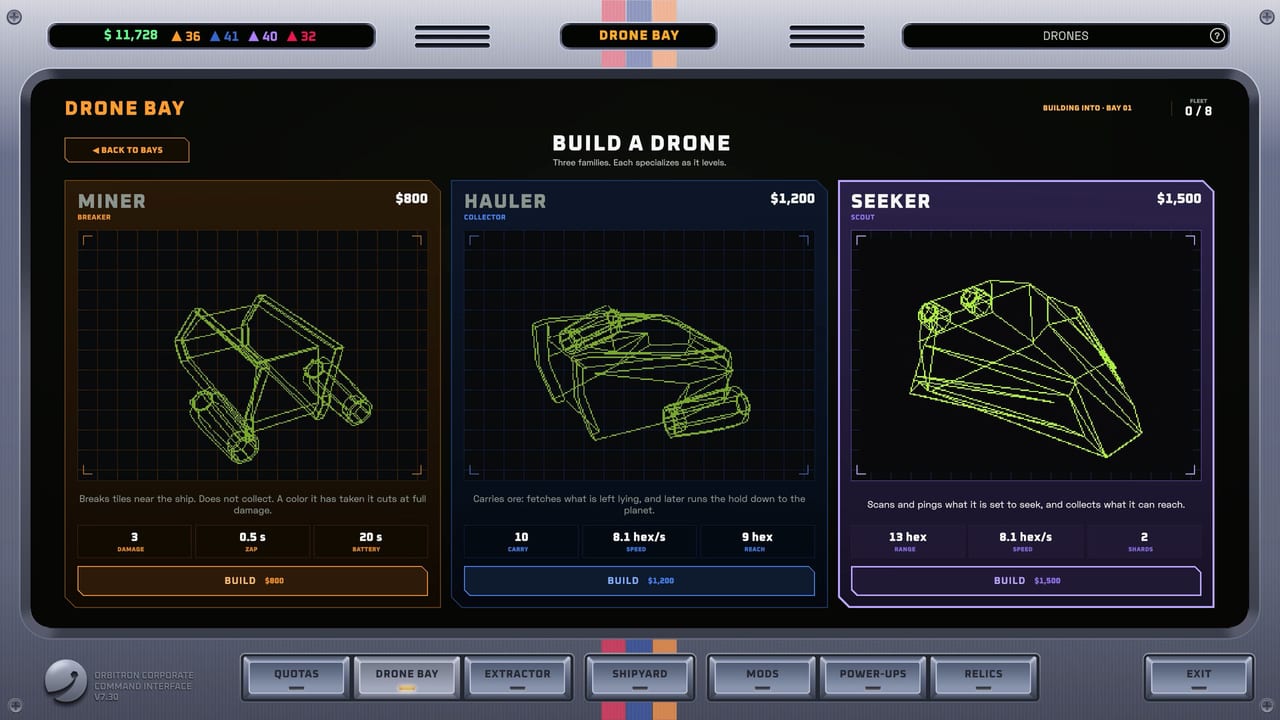
Graveyard Orbit launches on Windows via Steam as a single-player space mining incremental from Anchorhead Games. Early wrecks are light; later megastructures can approach roughly two hundred fifty thousand tiles with drones, belts, and neon effects. Use this page to compare your PC against official minimum and recommended specs, then apply practical performance tips before long Overtime sessions. Return to the Tools Hub for controls, or jump to Links for the Steam store listing.
Minimum specifications
- OS: Windows 10
- Processor: Intel Core i5-6500 or AMD Ryzen 3 1200
- Memory: 8 GB RAM
- Graphics: NVIDIA GeForce GTX 750 Ti or AMD Radeon R7 360
- Storage: Enough free space for the Steam install (check the store page for the live download size)
- Notes: DirectX-compatible GPU drivers recommended; online Steam client required for install and updates
Minimum hardware should run campaign content. Expect to lower effects on the largest Overtime contracts if particle density and simulation load climb.
Recommended specifications
- OS: Windows 10 or Windows 11
- Processor: Intel Core i5-10400 or AMD Ryzen 5 3600
- Memory: 16 GB RAM
- Graphics: NVIDIA GeForce GTX 1060 or AMD Radeon RX 580
- Storage: SSD preferred for quieter load times between shipyard and orbit
- Notes: Headroom helps when recording, browsing, or leaving Discord open during marathon salvages
Recommended specs keep frame times steadier while laser walls, dynamos, and Extractor belts run together on huge structures.
What actually stresses the game
Tile count and on-screen effects dominate. A five-thousand-tile tutorial wreck barely taxes a 750 Ti. A late megastructure with full drone swarms, orb storms, and factory visuals asks more of CPU single-thread behavior and GPU fill rate. Mods that multiply projectiles (Quad lasers, Phase Storm) look gorgeous and cost more than a quiet Aura Farm ring. Plan settings around the content you play, not only the store trailer.
Performance tips
- Update GPU drivers before blaming the game—old drivers hitch on newer Unity titles.
- Cap framerate near your display refresh to reduce heat on laptops.
- Close Chromium megatabs; 8 GB RAM systems feel 16 GB advice quickly.
- Lower particles/effects first if FPS dips during peak mining.
- Prefer SSD installs so shipyard ↔ orbit transitions stay snappy.
- Disable heavy overlays if you see stutter unique to one overlay tool.
- Watch thermals on thin laptops during hour-long Overtime Mode.
- Record at sensible bitrates; encoders compete with mining simulation.
Laptop and handheld notes
Steam Deck compatibility may show as unknown until Valve verifies. If you play on a handheld or low-TGP laptop, start on lower effects, keep resolution modest, and favor efficient builds from the weapons tier list. Controller tips on controls help when you dock the device to a TV.
Storage, cloud, and updates
Steam Cloud is listed among features—verify sync if you swap PCs. After patches, allow the client to finish updating before launching Overtime. Balance changes and bug fixes appear on the Updates Hub and in release notes.
Single-player networking reality
Graveyard Orbit is single-player with no multiplayer. You still need Steam connectivity for purchase, install, and updates, but you will not host multiplayer sessions. That keeps netcode out of the performance story—local simulation and rendering are the main costs.
Matching hardware to goals
- Casual short wrecks: minimum GPU often fine at reduced effects.
- Laser wall showcases / recording: aim for recommended GPU and 16 GB RAM.
- All-day Overtime grinding: recommended CPU + SSD + cooling matter as much as raw GPU brand.
Troubleshooting quick list
Black screen on launch → verify game files on Steam, update GPU drivers, disable fullscreen optimizations temporarily. Stutter every few seconds → check background downloads and overlay hooks. Fine on small wrecks, poor on huge ones → lower effects and projectile-heavy mods, or upgrade toward recommended specs.
Related reading
Learn bindings on controls, progression on Getting Started, and clear priorities on Tier List. About this fan resource: wiki overview.
If you meet recommended specs, you are set for launch-day megastructures. If you sit near minimum, tune effects early and still enjoy the loop—Graveyard Orbit is built to be relaxing, not a benchmark hammer. Keep drivers fresh, give the Extractor room to breathe, and strip the orbit one tile at a time.
Frequently Asked Questions
Quick answers about mining, ships, and progression.
Can I run Graveyard Orbit on 8 GB of RAM?
Yes at minimum spec. Close heavy browsers and avoid stacking recording tools during the largest structures.
Is an SSD required?
Not required, but strongly preferred for comfort between shipyard and orbit loads.
Does the game support Windows 11?
Recommended specs include Windows 10/11. Use a supported Steam client install.
Is there multiplayer that needs a stronger CPU?
No. Graveyard Orbit is single-player only; performance is local simulation and rendering.
Where do I buy the game?
On Steam via the links collected on the Links Hub.