Graveyard Orbit Official & Community Links
Store pages, databases, and trusted places to follow Anchorhead Games.
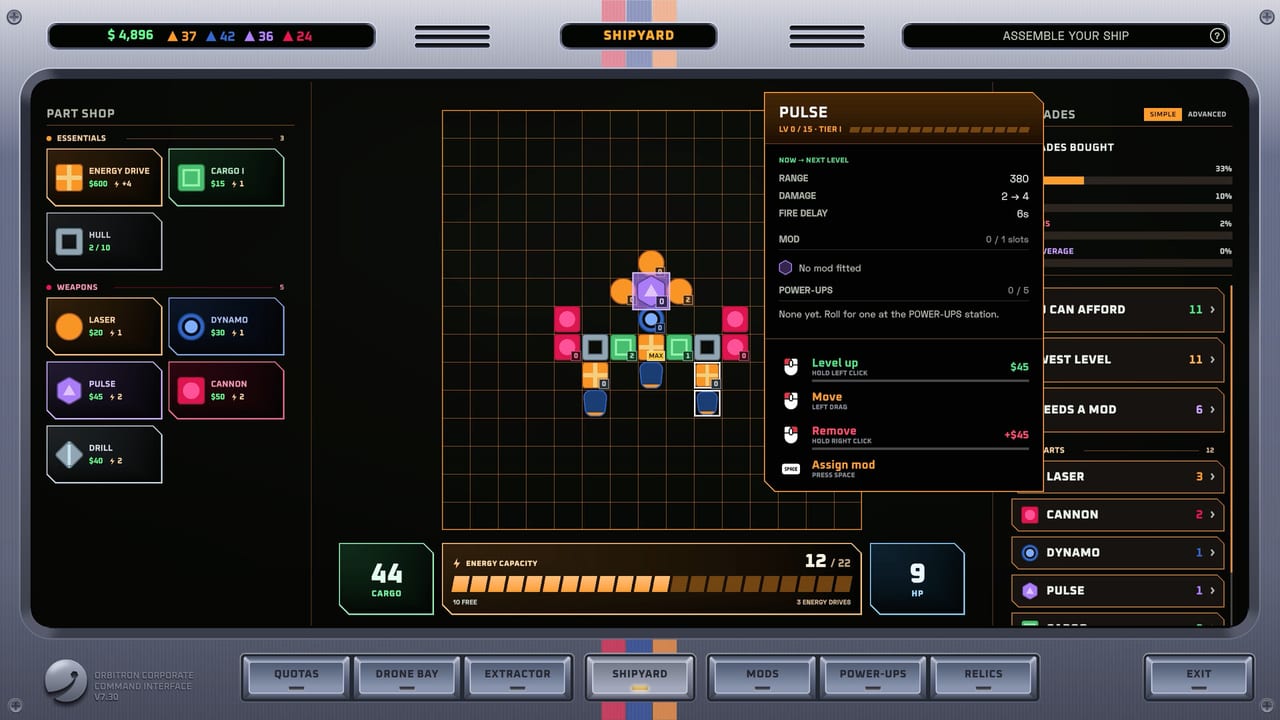
Bookmark the essential Graveyard Orbit destinations in one place. This hub collects the Steam store page, database mirrors, and community directions so you can verify patches, check depot sizes, and follow Anchorhead Games without hunting through old tabs. For what this fan wiki covers, see About this wiki.
Official store
- Graveyard Orbit on Steam — buy, update, read Steam news, and confirm PC specs
- App ID 4654120 — useful when filtering SteamDB, IsThereAnyDeal, or launchers
Always install and update through Steam. This wiki never hosts executables or cracked clients.
Databases and trackers
- SteamDB app 4654120 — branches, depots, price history, and package info
- Steam news hub for the app — primary source for official patch text summarized on our Updates Hub
Use SteamDB when you want cold facts: build IDs, file sizes, and historical pricing. Use this wiki when you want mining strategy, weapons tiers, and controls.
Developer
- Anchorhead Games — developer and publisher
- Follow their Steam developer page and social channels linked from the store for trailers, language announcements, and launch-week hotfixes
When Anchorhead posts balance changes, we mirror player impact under release notes and related children of Updates.
Community destinations
Look for Steam Discussions on the app page for bug reports and build screenshots. Creator videos help visualize laser walls and Extractor belts—prefer recent post-launch footage over outdated demo cuts. Discord or Reddit communities may appear after launch; we only list stable, public hubs here once they prove durable.
While you browse community builds, cross-check claims against:
How to use links safely
- Buy only through Steam.
- Verify game files if launches fail.
- Treat random “free key” sites as scams.
- Prefer official news for patch math over screenshot rumors.
- Keep this wiki bookmarked for structured guides with trailing-slash internal links.
Related wiki pages
- Launch feature summary → release notes
- Hardware checklist → system requirements
- Binding tips → controls
- Meta ranks → weapons and mods
- Beginner path → Getting Started
About ownership and trademarks
Graveyard Orbit, its art, and logos belong to Anchorhead Games and respective owners. Store buttons and Steam assets remain on Steam’s CDN; we link out instead of mirroring protected media. Fan wiki disclaimers continue on About this wiki.
Keeping this hub current
If Anchorhead adds an official Discord, Trello, or roadmap, we will extend this page. Until then, the Steam store and SteamDB cover the essentials for a single-player Windows launch. Check Updates whenever build numbers move.
Use these links to stay honest about versions, then return here for strategy. A correct Steam build plus a tuned Extractor beats any outdated tip dumped in a random comment thread.
Frequently Asked Questions
Quick answers about mining, ships, and progression.
What is the Steam app ID?
4654120 — Graveyard Orbit on Steam.
Where should I buy the game?
Only through the official Steam store page linked above.
Is SteamDB official?
No. SteamDB is a third-party database. It is useful for depots and prices but not a storefront.
Where are patch summaries on this wiki?
Start at the Updates Hub and the launch release notes.
Is this Links page the same as About?
No. Links lists destinations; About this wiki explains the fan project scope.